Your site address and how to preview it
Find your site address and see exactly what visitors will see.
Updated June 6, 2026
Every site comes with its own web address, so you have somewhere to point people from day one. This guide shows you where to find it and how to preview your site before you share it.
Find your site address
Your address looks like yourname.publish.law, and it appears at the top of
your dashboard, next to your name and photo.
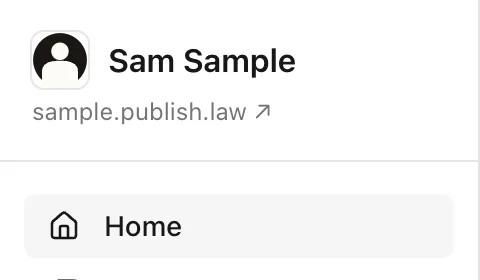
This address is live as soon as your account is set up. You can share it right away.
Preview your site
Next to your address you will find a preview link. It opens your site exactly the way a visitor sees it, with none of the dashboard around it.
Use the preview whenever you want to check your work, after you update your profile, publish a note, or change your layout.
Using your own web address
When you are ready, you can connect a domain you already own, like
yourname.com, so your site lives at your own address instead. See
Connect your own domain.