Connect your own domain
ProUse a domain you own, like yourname.com, for your site.
Updated June 6, 2026
You can connect a domain you already own, like yourname.com, so your site
lives at your own web address. Your secure certificate is set up for you
automatically.
Note
Connecting a custom domain is part of the Pro plan. You bring a domain you already own. We do not sell domains, so register one wherever you like first if you do not have one yet.
Before you start
You will need a domain you own and the ability to update its DNS settings, which you do at whatever company you registered the domain with.
Add your domain
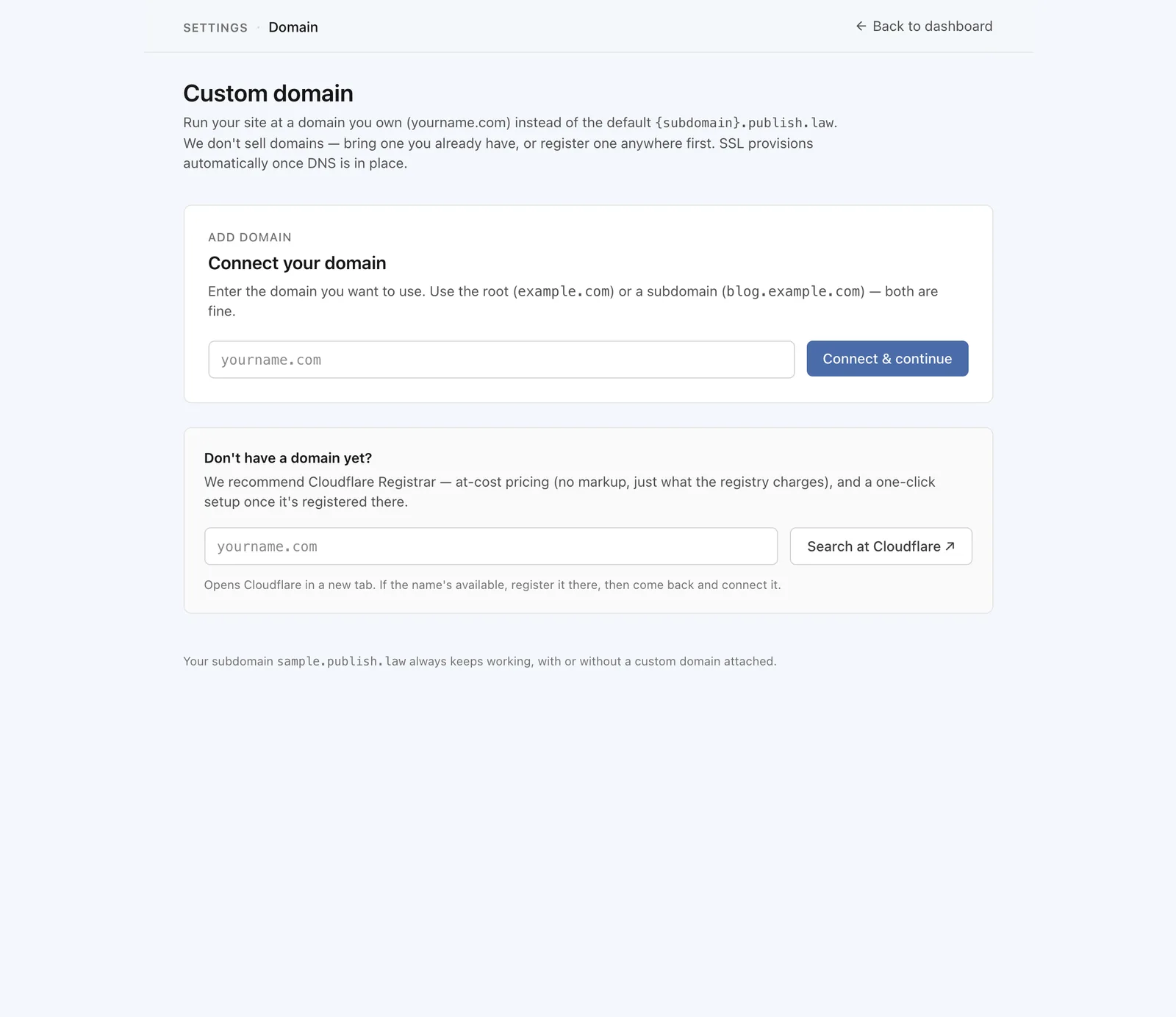
Go to Settings, then Domain. Enter your domain and follow the steps shown. You have two paths:
- One-click setup if your domain’s DNS is at Cloudflare.
- Step-by-step instructions for other registrars, with the exact records to add.
Note
DNS changes can take a little time to take effect. If your domain does not connect right away, give it a bit and check back.
What visitors will see
Once it is connected, your site loads at your own domain, and your secure
certificate is handled for you. Your publish.law address keeps working and
sends visitors to your domain.