Customize the look of your site
ProChange your colors, fonts, and layout to match your style.
Updated June 6, 2026
Your site should look like you. The appearance editor lets you adjust your colors, fonts, and layout so it feels right.
Note
Customizing your appearance is part of the Pro plan.
Open the appearance editor
Go to Settings, then Appearance. From there you can adjust how your site looks and see your changes as you go.
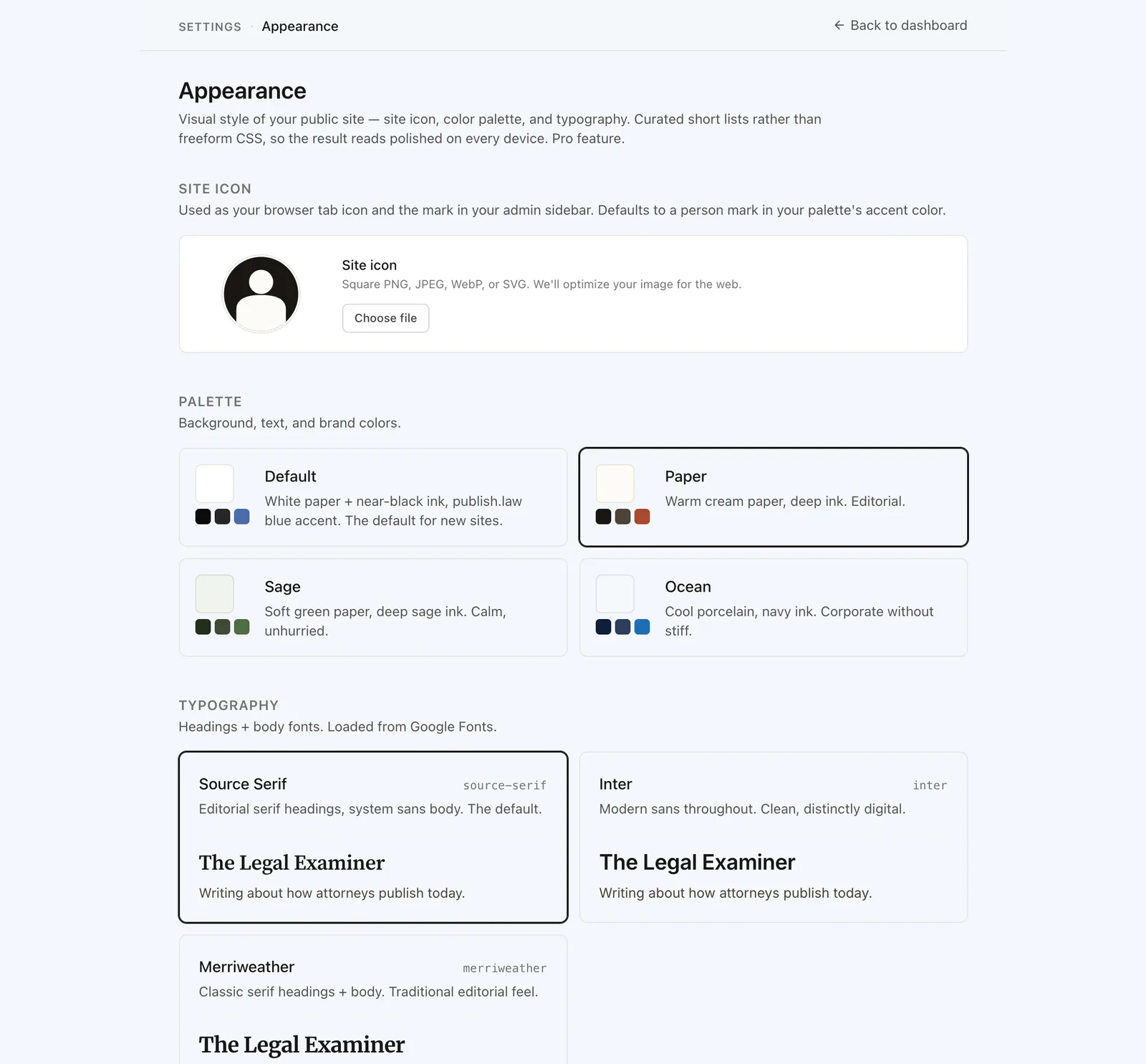
What you can change
- Colors. Set an accent color that carries across your site.
- Fonts. Pick a typeface that fits your style.
- Layout. Adjust how your profile and content are arranged.
Preview before you save
Use the preview to see your changes the way visitors will, then save when you are happy with them. You can keep adjusting at any time.