Set up your newsletter
Pro+Let visitors subscribe and send your posts by email.
Updated June 6, 2026
A newsletter lets visitors subscribe to your site and receive your posts by email, so your writing reaches people directly, not only when they visit.
Note
The newsletter is part of the Pro+ plan.
Turn on your newsletter
Go to Settings, then Newsletter, and turn it on. A subscribe option then appears on your site so visitors can sign up.
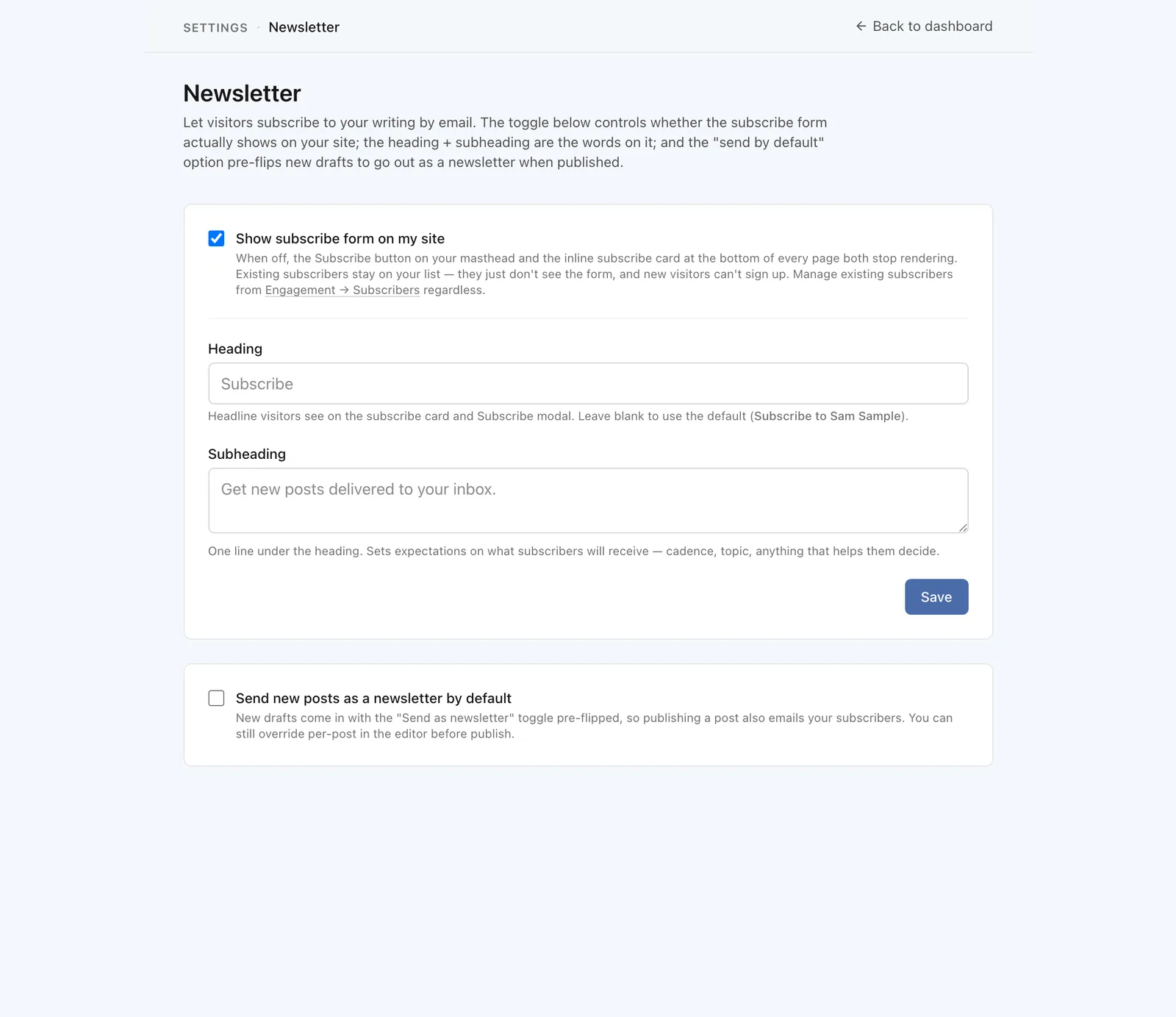
Subscribers confirm their email before they are added, which keeps your list healthy and your messages welcome.
Send a post as a newsletter
When you publish a post, you can choose to send it to your subscribers by email at the same time. Write the post as usual, and look for the option to send it as a newsletter when you publish.
Tip
You decide which posts go out by email. Not every post has to be a newsletter.
Manage your subscribers
Your Subscribers list shows who has signed up, so you can keep an eye on your audience as it grows.