Continue the thought: threads on publish.law
A note is the fastest thing you can publish. Now you can keep going: reply to your own note and build the explanation one point at a time.

One note is rarely the whole story
You post a note about a ruling that just came down in your practice area. It's a good note. But the person reading it doesn't know what the court actually held, or what it changes for someone in their situation, or where to read the opinion. That used to mean a choice: cram it all into one note, or write the long post you'll never get to.
Now you reply to your own note.
What a thread is
When you reply to one of your own notes, the reply shows up directly under it, in full, with link previews and images, in the order you wrote them. Readers see one page: your note at the top, your explanation underneath, one point at a time. Replies from other people stay in their own section below.
That's a thread. It's the format for the thing you actually want to say: the point, then the context, then the source, then the document that proves it.
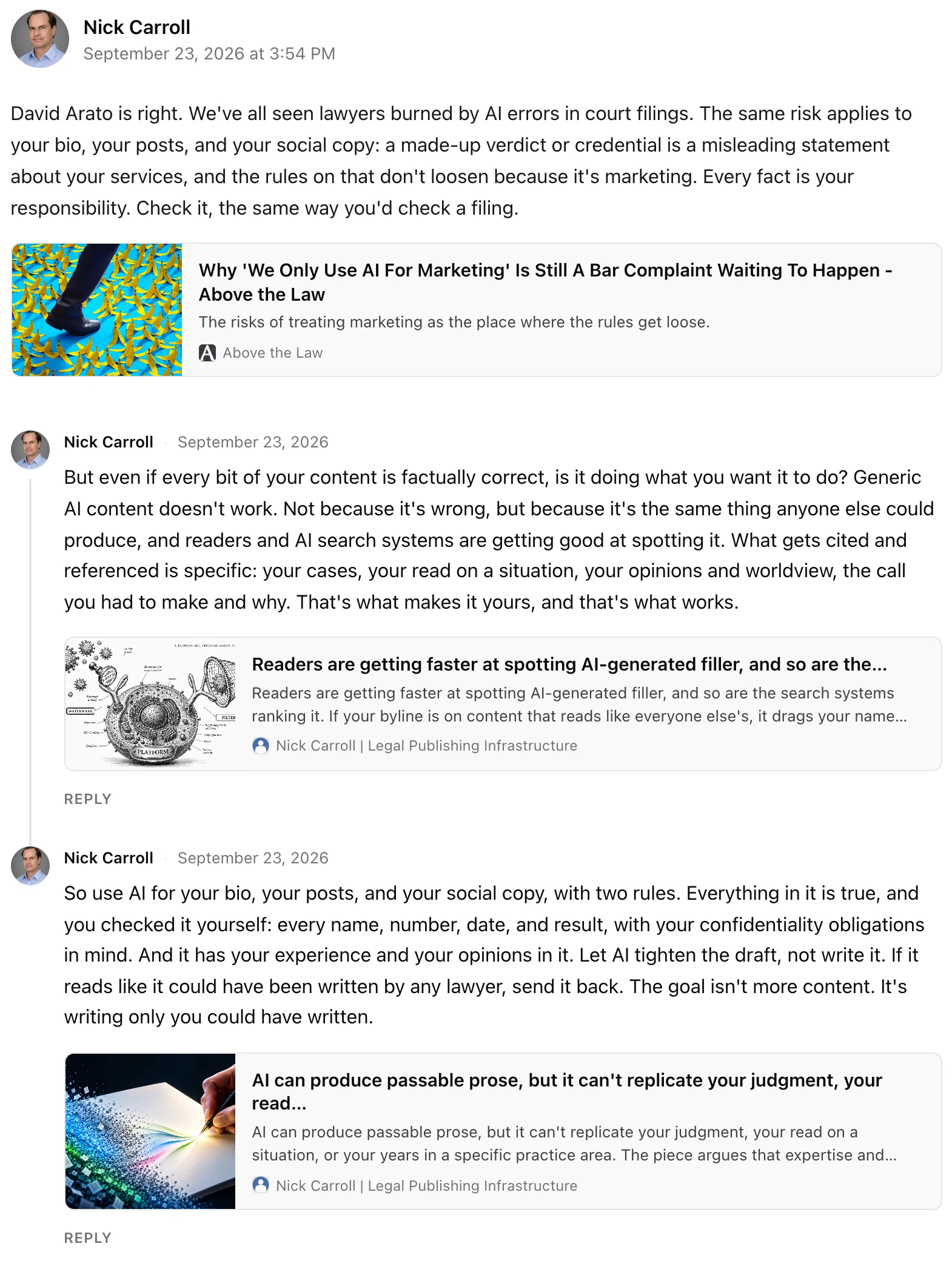
What it looks like in practice
A personal injury attorney sees that her state's supreme court has changed how comparative fault works. The note: the court's decision, in a sentence, and why it matters to anyone hurt in a crash. The thread under it: what the court held, with a link to the opinion. What it means for a client who was partly at fault, in plain terms. And a photo of the two paragraphs of the ruling that do the work, so a reader can see it for themselves.
Three short replies, written over a morning. Together they're an explainer, on her own domain, under her own name, that a client can absorb in two minutes and an AI assistant can cite when someone asks the question.
Why this works better than a long post
You write it in pieces, when you have the pieces. The first note goes out the moment you have the point. The context comes when you have five more minutes. The document comes when you've pulled it. Nothing waits on the whole thing being finished.
Each part is a real note, so each can carry a link card or up to four images. And the page holds together: your thread reads as one piece, while your home page, your RSS feed, and your followers' feeds show the original note once, not every part.
Replies got better too
Everyone's replies now show their link previews. Replies to a reply sit underneath it, so a back-and-forth reads like a conversation instead of a list. When you answer someone on your own note, your reply carries an Author badge. And every reply on your page runs through your moderation settings, including replies to other people's replies.
How to start one
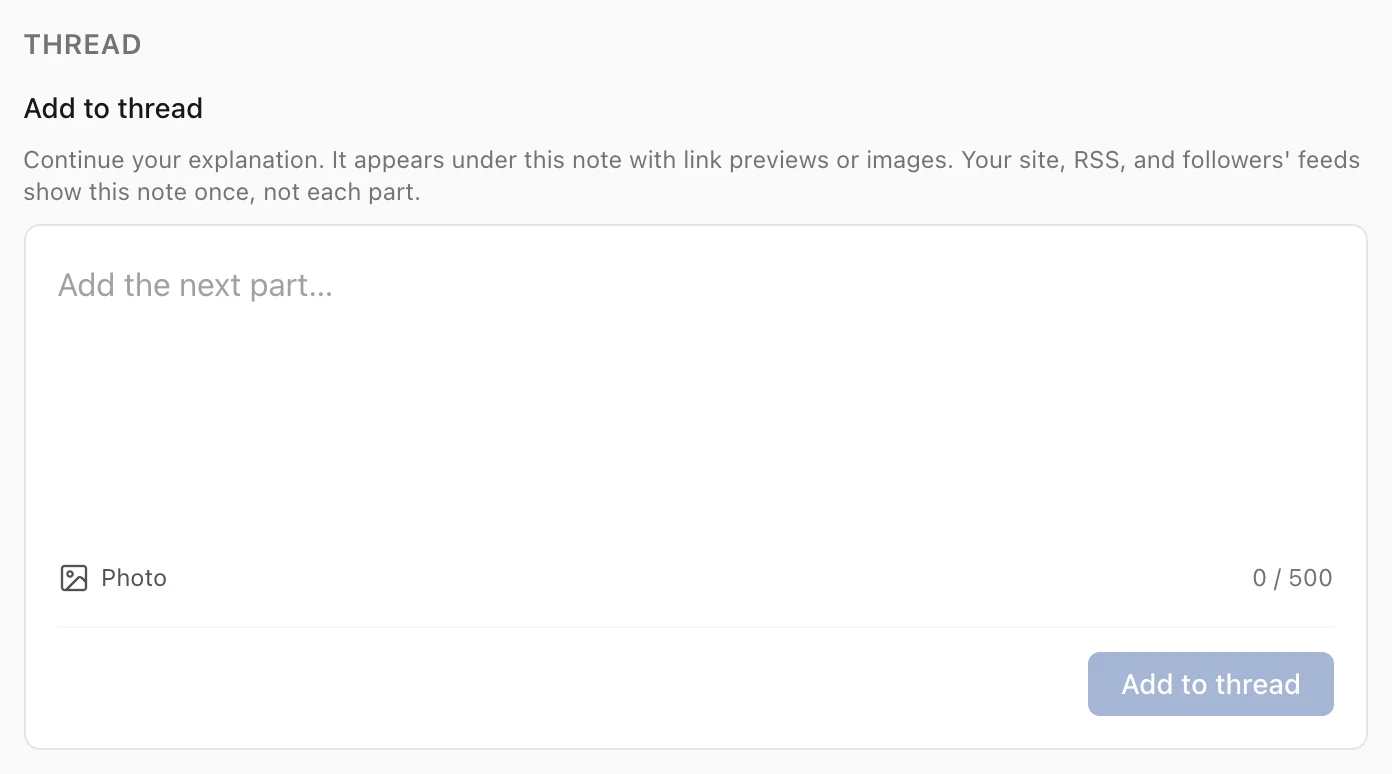
Open a note from your Notes list (tap Thread next to the date). At the bottom of the page is Add to thread. Write the next part, add a link or a photo if you want, and post. Your own additions go live immediately.
Threads are live now on every plan, free included. The next time you have more to say than fits in a note, don't reach for the long post. Reply to yourself.