Organize posts with categories
Pro+Group related posts so visitors can browse your work by topic.
Updated June 6, 2026
Categories group related posts together so visitors can browse your work by topic instead of scrolling through everything at once.
Note
Categories are part of the Pro+ plan.
Create a category
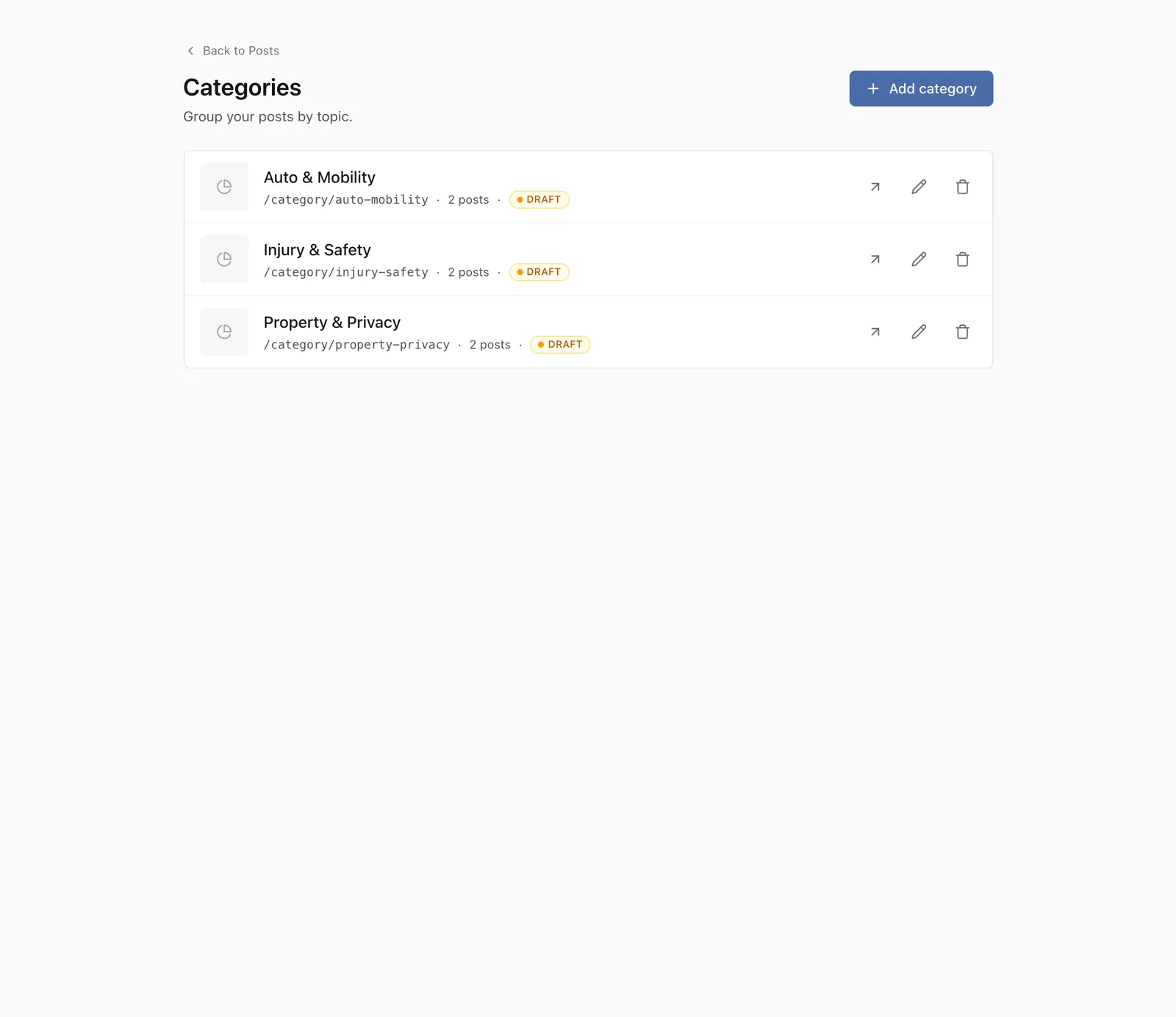
From your Posts, open Manage categories. Add a category and give it a clear name, such as a practice area or a recurring theme you write about.
Assign posts to a category
Set a post’s category while you are writing or editing it. A post can belong to a category, and that category becomes part of how visitors find it.
Tip
Start with a small number of broad categories. You can always add more as you publish.
What visitors will see
Each category gets its own page that lists the posts in it, so a visitor interested in one topic can read everything you have written on it in one place.